Free QR code generator.
No ads. No expiry. No catch.
Design a QR code in a circle, a heart or your own shape, change where it leads after printing and see real scans — without ads, limits or expiring codes.
No ads · codes never expire · free
Short links, smaller codes
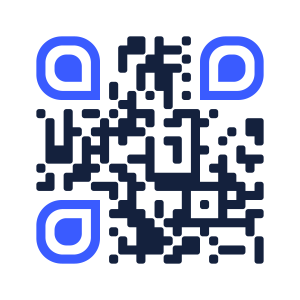
Our short links fit a 21×21 QR code — others need 25×25 to 29×29. Bigger modules at the same print size scan from further away.
Any shape, still scannable
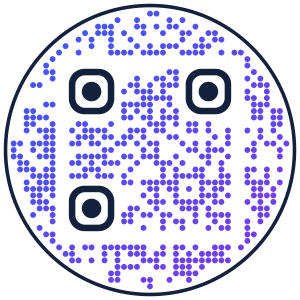
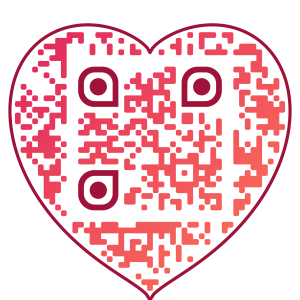
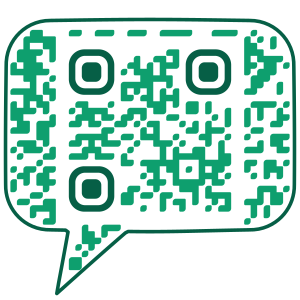
Circle, heart, speech bubble or the outline of your own logo. Every design is decoded automatically before you download it.
Edit after printing
Change the destination any time. Every change stays in history and can be undone with one click.
Real scans, not bots
Link previews and email scanners are counted separately, so you see people — by day, country, city, device and hour.
Never expires, no ads
No interstitial pages, no scan limits, no ads. Your code keeps redirecting even if you stop using QRshaper.
Labels and barcodes too
Batch codes from Excel or CSV, labels for thermal printers (PDF, ZPL, TSPL, EPL) and 37 barcode formats.
Free QR code generator
QRshaper vs typical dynamic QR services
| QRshaper | Typical service | |
|---|---|---|
| Size of a dynamic QR code | 21×21 modules | 25×25 – 29×29 |
| Codes after the trial or plan ends | keep working | often stop or show ads |
| Ads or interstitial pages | never | common on free plans |
| Bots in scan statistics | filtered out | counted as scans |
| QR code in your own shape | yes, checked for readability | rarely |
| Price | free | from €5 / month |
How dynamic QR codes work
- Sign in with your email or Google — no password.
- Paste a link and get a short address like qrsh.app/AB3X.
- Pick a shape and style, download PNG, SVG or PDF and print.
- Change the destination and watch scans whenever you want.
Is QRshaper really free?
Yes. All features are free, without ads and without scan limits.
Do the QR codes expire?
No. Static codes store their content directly and work forever. Dynamic codes keep redirecting to the last destination you set, also if you stop using your account.
How do I make a QR code?
Pick what the code should open — a link, Wi-Fi network, contact card, payment or social profile — fill in the fields, choose colours and a frame, then download PNG, SVG or PDF. The generator checks that the code scans before you download it.
Which file format is best for printing?
SVG and PDF are vector files — they stay sharp at any size, from a business card to a poster. PNG is fine for screens, e-mails and documents. For thermal label printers you can export ZPL, TSPL or EPL.